Verify the artist.
One reviewed identity for the work, official links, credits, rights, and public profile.

Move through the public experience in order. Every action below is read-only or clearly marked as a beta test; no ticket, payment, or elevated role is created.
Back to AccountNeed a different role? Choose your Festly path.
One reviewed identity for the work, official links, credits, rights, and public profile.
Photography, video, captions, and profile copy shaped around the page they need to become.
A focused Festly template that can live on its own subdomain without duplicating the artist record.
Shows, products, posts, followers, and authority remain connected to Festly Central.
Share the work, the official links, and who owns the artist identity.
Confirm the identity, existing media rights, credits, storefront relationships, and approved access.
Define the artist story, audience, visual direction, next release, and the actions the site should support.
Capture the performance, portrait, studio, and vertical media needed for the artist’s public launch.
Approve the selects, edits, copy, credits, captions, and accessibility text before anything is published.
Publish the premium page and connect its profile, shows, products, posts, and followers to Festly Central.
Keep the story current for the next show, release, stream, campaign, or merchandise drop.
Fans should not have to reconstruct an artist from scattered links. Festly keeps the profile, latest mix, show, merchandise, favorites, and next story together.
Open Subikon's profile ↗Artist profile · media · shows · merch
STUDIO360 is a fictional premium media partner demonstrating how an independent studio could photograph, film, write, and launch an artist on a Festly template. The finished site gets its own Festly subdomain while the artist’s verified profile and authority remain in Festly Central.
Pilot pricing and services are shown for model review. No booking or checkout is active.
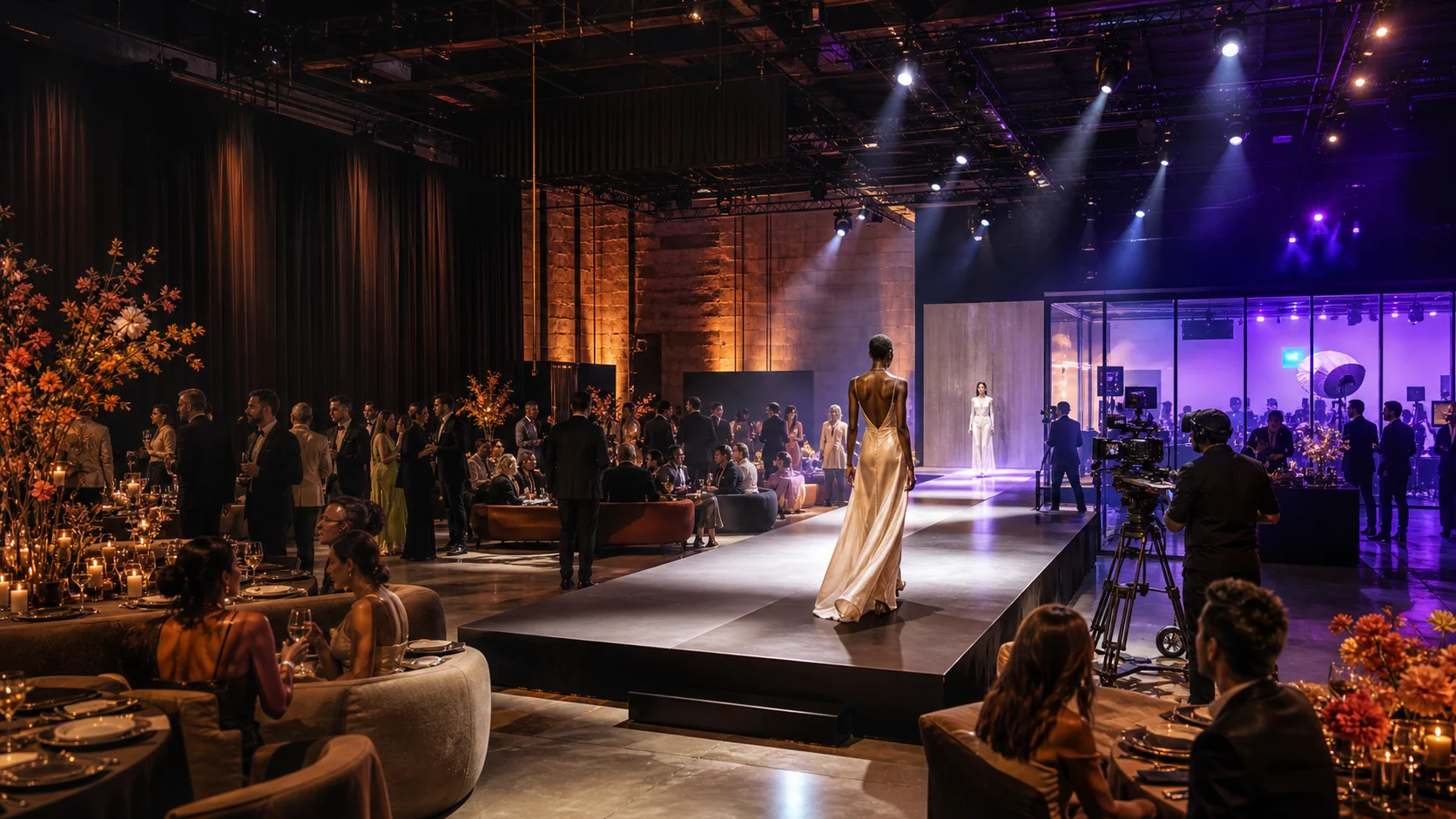
Studio 320 is one independent storefront and venue that can host selected sessions, publish show replays, sell its own merchandise, and connect participating artists back to their Festly profiles. It is one opportunity in the artist network—not the center of Festly.
See the Studio 320 storefront ↗Profiles, connected products, event pages, alerts, and no-charge test carts are available in the invite beta. Live payment, valid ticket issuance, fulfillment, artist payouts, and live broadcasting remain unavailable.
Apply as an artist ↗